


Novexx XLP 51x industrial label printers
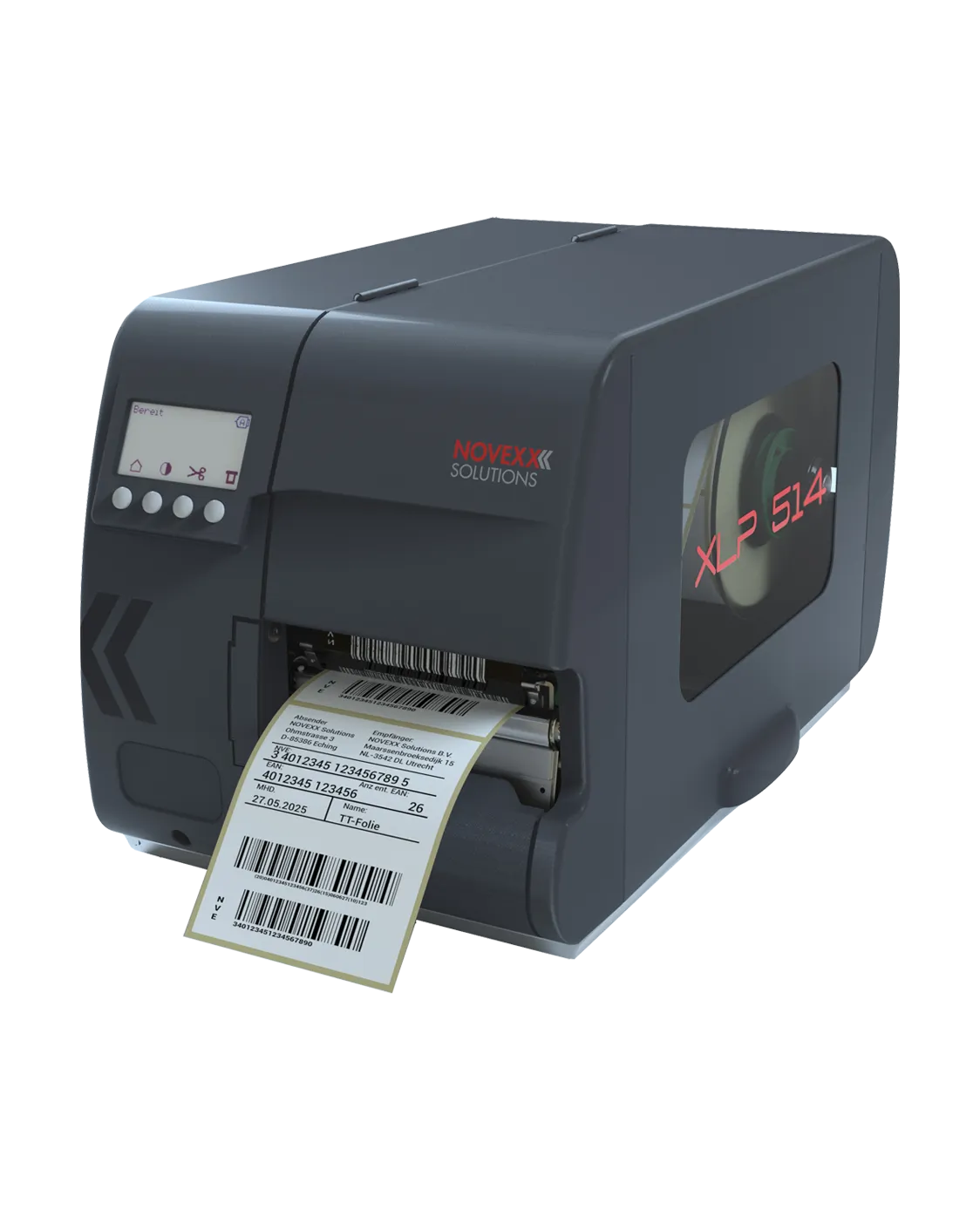
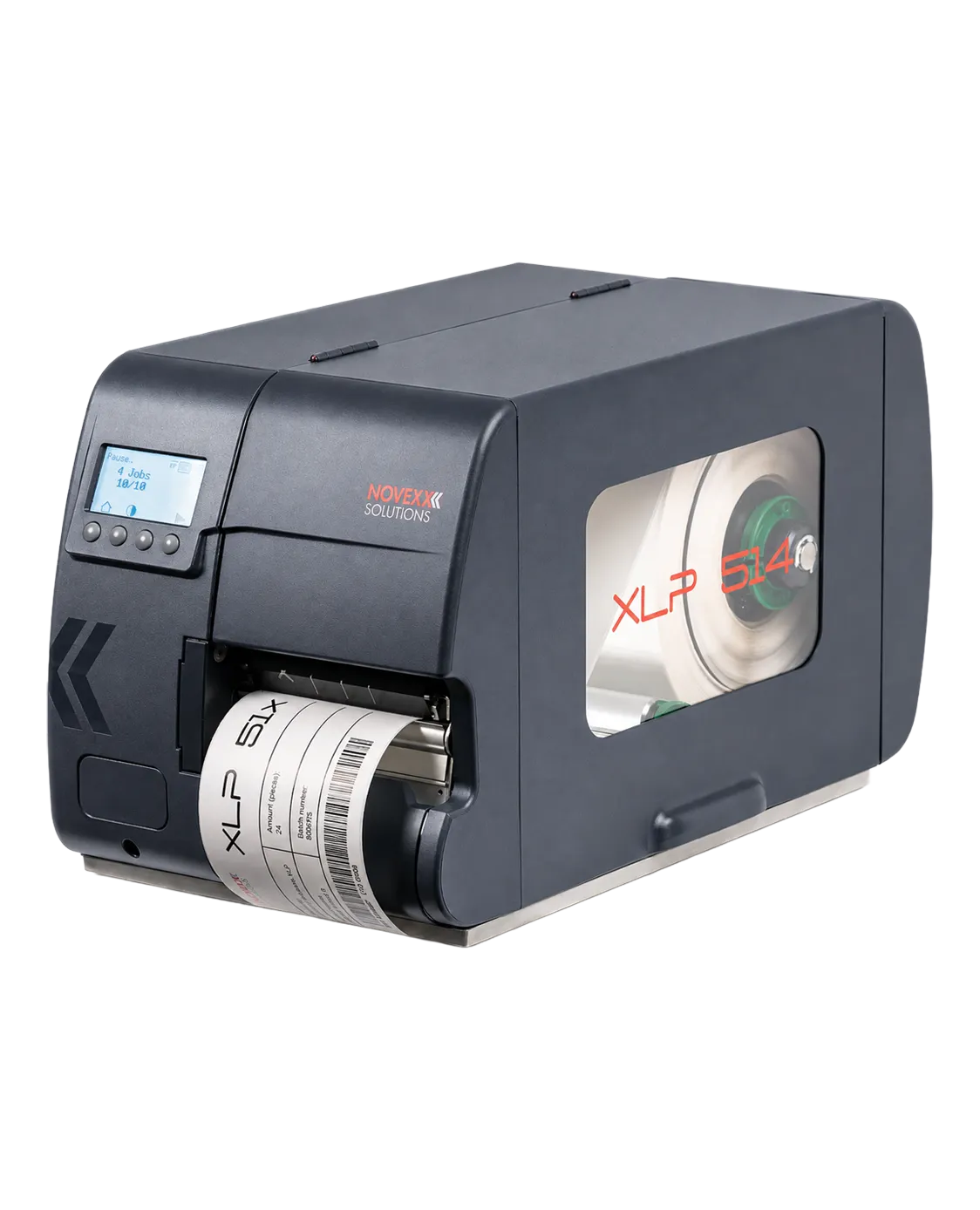
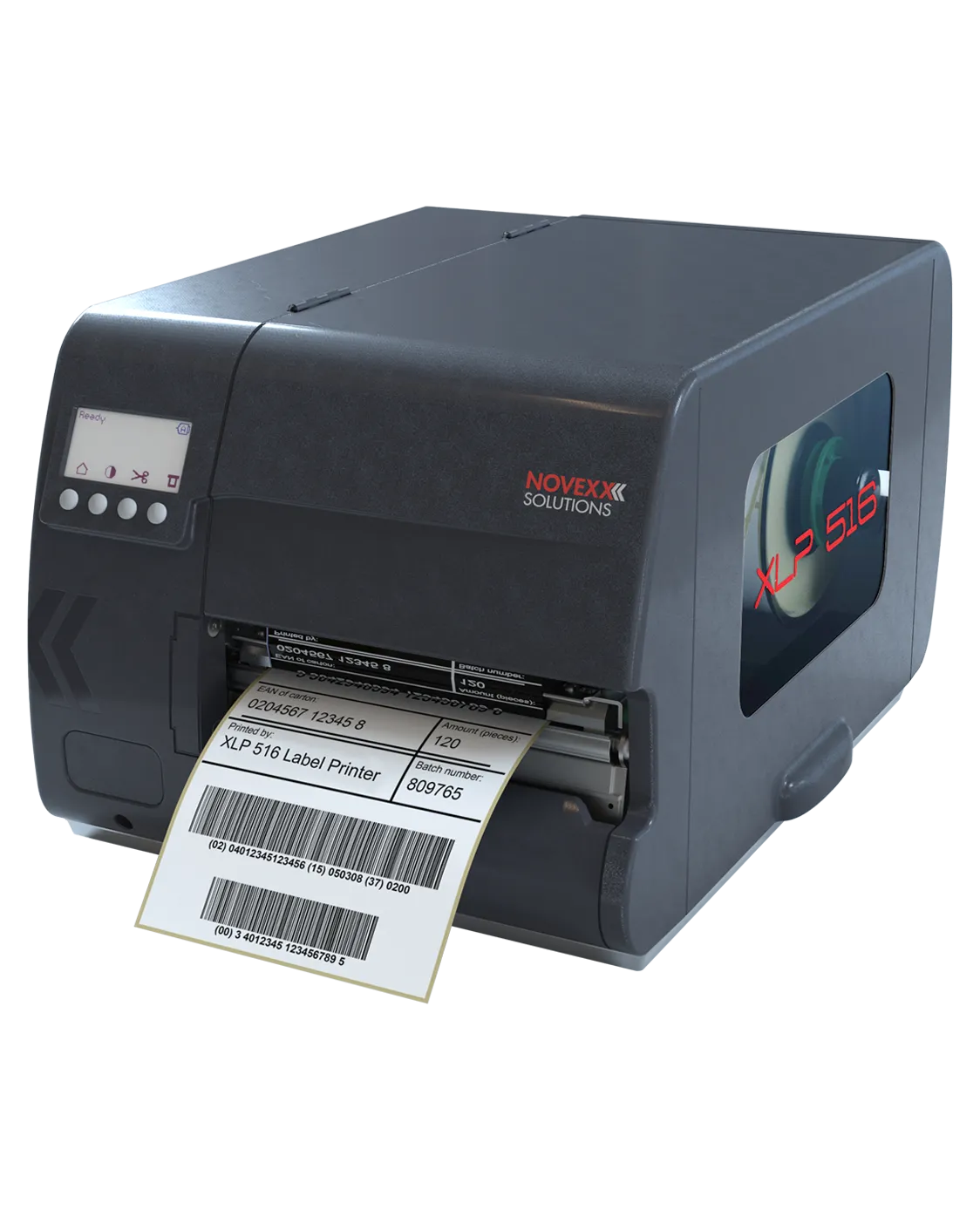
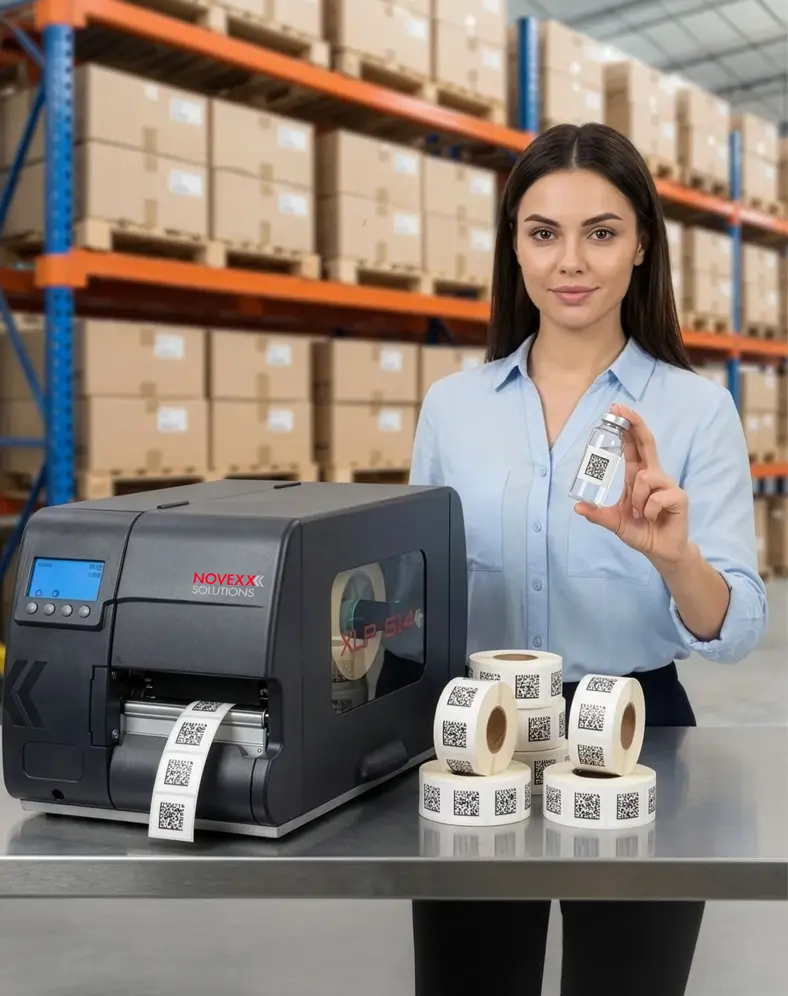
The NOVEXX XLP 51x range is designed for everyday industrial label printing, including product, carton and pallet labels with barcodes, fixed or variable text and graphics. The XLP 514 and XLP 516 provide nominal 4-inch and 6-inch print widths, respectively. Both support thermal transfer and direct thermal printing with suitable materials. Printhead resolution depends on the model; the XLP 514 is available at up to 600 dpi for fine text and detailed codes.
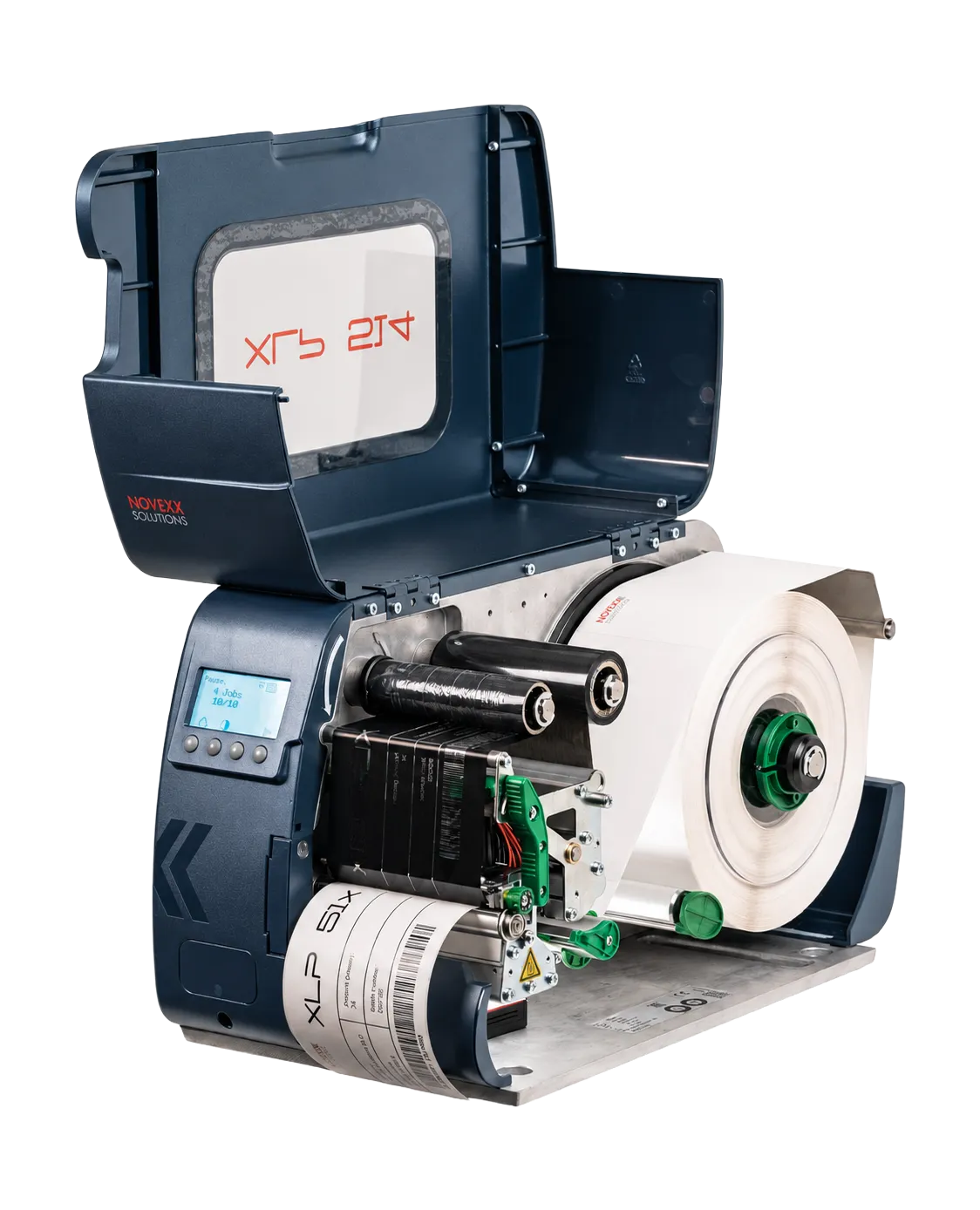
The XLP 51x is designed for straightforward operation and maintenance. Its lift-up print module provides easy access for changing labels and thermal transfer ribbon. The print roller can be removed for cleaning without tools, and the printhead is readily accessible. A fanless design reduces airflow that could draw dust into the electronics. Ribbon rolls can hold up to 500 m, depending on the ribbon, while a window lets operators check the remaining label and ribbon supply. The web interface supports remote setup, diagnostics and firmware updates. Optional accessories include a cutter, dispenser with internal rewinder, external rewinder, textile cutter-stacker and Light Touch applicator. Designed and assembled in Germany.
Easier maintenance, fewer interruptions
Production interruptions can add up when labels or ribbon run out or maintenance takes longer than necessary. The XLP 51x is designed to simplify these routine tasks. Its lift-up print module provides clear access when loading labels and ribbon. The print roller uses a quick coupling for removal and cleaning without tools, while the printhead is easy to reach. A large window shows the remaining label and ribbon supply, helping operators plan changes before a roll runs out. Ribbon capacity of up to 500 m can reduce the frequency of changes, depending on the application. The fanless housing also avoids drawing dust into the electronics through a cooling fan. These practical features help operators keep printing with fewer avoidable interruptions.
Technical specifications
Choose the print width and resolution according to the label and printer model. Thermal transfer and direct thermal printing are both supported. Send Forintek-Baltija a sample label and details of your production requirements so we can help specify the appropriate configuration.
- Print width: 106 mm (4") or 160 mm (6")
- Label width: Up to 120 mm (514) / 185 mm (516)
- Resolution: Up to 600 dpi, depending on model
- Print method: Thermal transfer or direct thermal
- Ribbon capacity: Up to 500 m
- Throughput: 100 labels in under a minute (job-dependent)
Key features of the XLP 51x
Resolution matched to the label
The XLP 514 offers 203, 300 and 600 dpi configurations. A lower resolution is often sufficient for shipping and carton labels; 300 dpi can suit denser product information, while 600 dpi is useful for very small text and fine graphics. The XLP 516 is listed at 300 dpi in the current technical manual. Confirm the available specification for your chosen model before ordering.
Easy label and ribbon changes
The lift-up print module makes label and ribbon loading easier. The print roller has a quick coupling, allowing it to be removed for cleaning without tools. These routine tasks can usually be carried out by trained operators.
Fanless design
The robust housing has no cooling fan, reducing the risk of dust being drawn into the electronics by forced airflow. This is useful in industrial environments where paper or cardboard dust may be present.
Remote setup and diagnostics
The web interface lets authorised users access printer settings and diagnostics from a PC, tablet or phone. Features include live print-job information, parameter search, favourites, firmware updates and exportable support data containing the machine serial number.
Icon-guided colour display
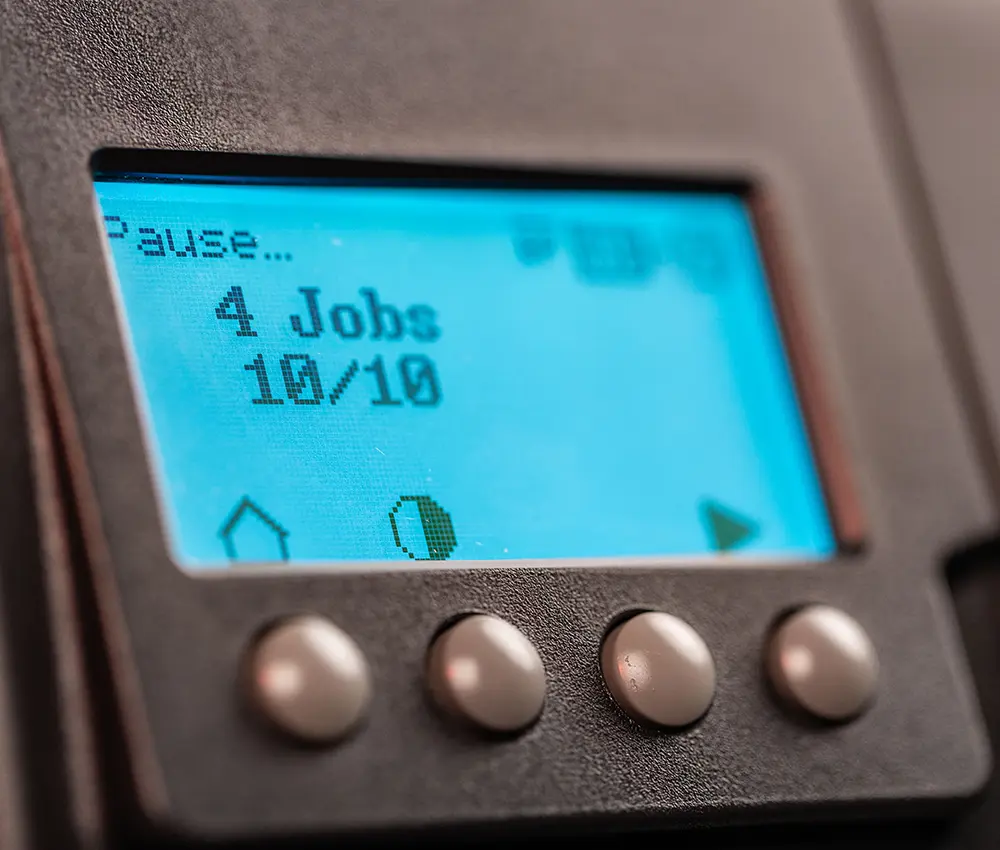
The high-contrast colour display uses an icon-guided menu to help operators find settings and check printer status. Its straightforward layout is useful when several people operate the printer across different shifts.
Built to be integrated
LAN, USB and a configurable, multi-stage I/O system with M12 connectors support integration into production equipment. Additional interface boards are available for compatible configurations.
Five optional label-handling modules
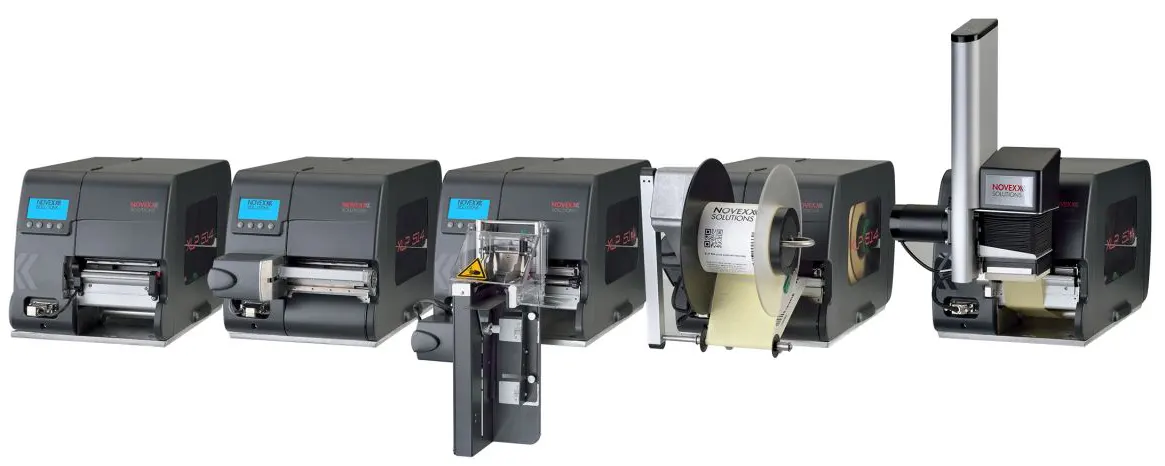
Cutter
The cutter separates individual labels or batches after printing. It is suitable for tags, vouchers and other printed items that need to be cut rather than dispensed from a roll.
Dispenser & rewinder
The dispenser separates self-adhesive labels from their backing material, which is rewound inside the printer. Each printed label is presented for manual application or transfer to a compatible applicator.
External rewinder
The external rewinder collects printed labels onto a roll for subsequent use in an automatic labelling machine, such as the NOVEXX XLS 2xx. It separates printing from the later label application process.
Textile cutter-stacker
The textile cutter-stacker prints, cuts and stacks wash and care labels for garment production, ready for subsequent handling or sewing. This option is intended for the 4-inch XLP 514.
Light Touch applicator
The electric Light Touch applicator turns the printer into a semi-automatic print-and-apply station. It applies labels to products presented at the station without requiring compressed air, accommodating different surfaces and product heights.
Not sure which?
Choose the module according to what happens after printing. Tell us whether labels are applied by hand, fed into another machine or placed directly onto products, and we can recommend a suitable configuration.
Which XLP 51x configuration fits your labels?
Begin with the widest label you need to print, then confirm the required resolution and accessories for that model. Not every printhead and module option is available in both widths.
| Version | Print width | Max. material width | Resolutions | Print method | Best for |
|---|---|---|---|---|---|
|
XLP 51x 4"
Standard width
|
106 mm | Up to 120 mm | 203 / 300 / 600 dpi | Transfer or direct | Product and carton labels, care labels and everyday identification, with the textile cutter-stacker option for the 4-inch model |
|
XLP 51x 6"
Wide format
|
160 mm | Up to 185 mm | 300 dpi (as specified in the manual) | Transfer or direct | A5 and GS1 pallet labels, wide despatch labels and anything that will not fit inside 106 mm of print |
XLP 51x range: thermal transfer and direct thermal printing on compatible label materials · nominal print widths of 106 or 160 mm · resolutions depend on model · label material width up to 120 mm (XLP 514) or 185 mm (XLP 516) · ribbon rolls up to 500 m depending on ribbon type · a manufacturer example of 100 labels in under one minute (dependent on label dimensions and settings) · high-contrast colour display with an icon-guided menu · lift-up print module, quick-coupling print roller and accessible printhead · fanless housing · window for checking label and ribbon levels · web interface for remote setup, diagnostics and firmware updates · LAN, USB and configurable I/O with M12 connectors; optional interface boards · optional cutter, dispenser with internal rewinder, external rewinder, Light Touch applicator and a textile cutter-stacker for the XLP 514 · designed and assembled in Germany. Exact print speeds, supported resolution, media dimensions and accessory compatibility depend on the configuration.
Need help specifying the right XLP 51x?
Send us a sample label and tell us how many you print each day and how they will be applied. We can help select the width, resolution, printing method and appropriate accessories.
Common questions about the XLP 51x
Direct thermal printing works on heat-sensitive label material without a ribbon. It can simplify operation and reduce consumable costs, but the print may fade with heat, light or abrasion, making it suitable mainly for short-lived labels such as shipping or picking labels. Thermal transfer uses a ribbon to produce more durable print on compatible paper or synthetic labels. It is often preferable for labels that must withstand storage or handling. The XLP 51x supports both methods, although the correct material and ribbon must be selected for the application.
Choose resolution according to the smallest text, graphic or barcode element on the label. The XLP 514 offers 203, 300 and 600 dpi printheads, while the XLP 516 is specified at 300 dpi in the current technical manual. Available resolutions and maximum print speeds depend on the model. Check the label artwork and required barcode quality before choosing a printhead.
The range supports suitable paper, film, synthetic and card label materials, with material widths of up to 120 mm for the XLP 514 and 185 mm for the XLP 516. Direct thermal printing requires heat-sensitive media, while thermal transfer requires a compatible ribbon and label surface. Wax, wax-resin and resin ribbons provide different levels of durability, so the right combination should be tested against the intended application.
The printer has LAN and USB connectivity, with configurable I/O and M12 connectors for integration into production systems. Optional interface boards may provide additional connections. Integration with ERP or WMS software depends on the available protocols, interfaces and software setup. NOVEXX PID 3SIXTY can support label design, print-data management and printer monitoring, while the web interface provides browser-based access to printer settings and status.
Routine maintenance includes cleaning the printhead and print roller. The roller can be removed using its quick coupling without tools, and the printhead is accessible through the lift-up module. Printhead life depends on factors including print settings, label material, ribbon and cleaning practices. Contact Forintek-Baltija to confirm replacement-part availability and service options.
For labels applied by hand immediately after printing, use the dispenser and internal rewinder. For printed rolls that will be used in another labelling machine, consider the external rewinder. The cutter is intended for individual labels or tags, while the textile cutter-stacker is an XLP 514 option for wash and care labels. The electric Light Touch applicator places printed labels onto products at a semi-automatic station without compressed air. Confirm compatibility with the chosen printer configuration.
NOVEXX positions the XLP 51x for low and medium label volumes. For continuous, high-volume printing, the XLP 60x is the higher-throughput platform. Compare print volumes, consumables and service needs before estimating total operating costs.
First consider whether you need only to print labels or also to apply them automatically. For cartons moving on a conveyor, an automatic print-and-apply system or labelling machine may be more suitable. When only a date or batch code is required, direct inkjet marking on the carton may avoid the need for labels. We can help compare the options for your production line.